Upgrade your Mac’s native screenshot tool
Capture, frame, and style your screen in seconds. No complex tools, just the features you need to look good.
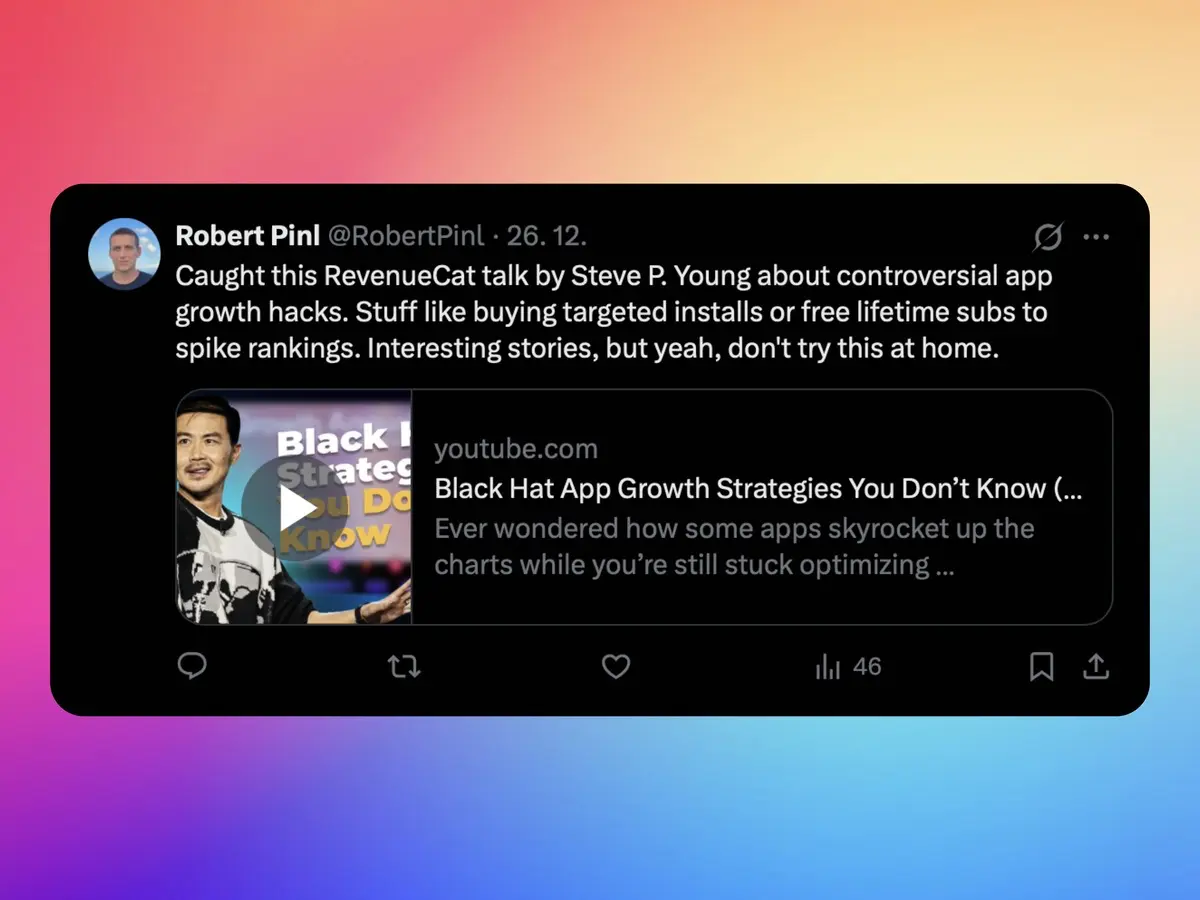
Everything you need to look good
Simple tools for better communication.
Capture and edit instantly
Grab any part of your screen. It opens instantly in the editor.
Backgrounds that fit
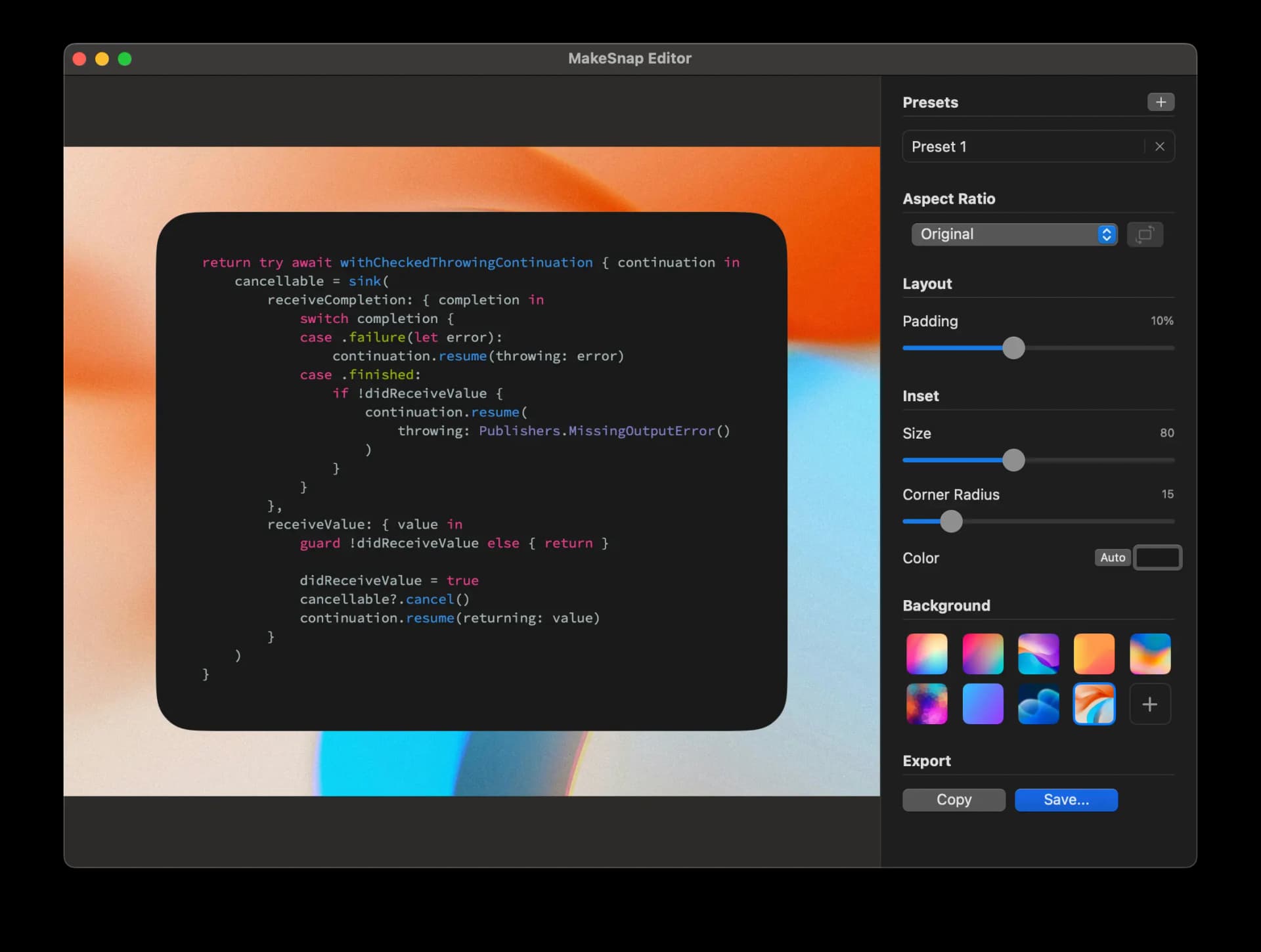
Use our curated backgrounds or upload your own. Ensure every image matches your brand.
Control the details
Fix aspect ratios for social media. Adjust padding, insets, and corners to frame content perfectly.
Save your settings
Don't repeat yourself. Save your favorite styles as presets. Apply them with one click.
Export fast
Paste directly into chat or email. Or save as PNG/JPEG with the right quality settings.
Stay focused
Always ready in your menu bar. Starts when you do. Capture to share in seconds.
See the difference
Turn raw captures into polished assets.
Edit without the hassle
Adjust backgrounds, layouts, and colors in real time. Simple controls, instant preview.
Share with confidence
Perfect for specialized updates, design work, or marketing posts. Look professional every time.
Stop sending messy screenshots
Get MakeSnap today and make your work look good.